No plugins to install, nothing to configure before you start.
A branch each
Every feature gets its own checkout of your repo — or of each of your repos — so
four can be built at once without touching each other's files.
One queue
Every agent waiting on you, in one list. Answer it and the work carries on
without you. Go and do something else meanwhile — when one finishes, your computer tells
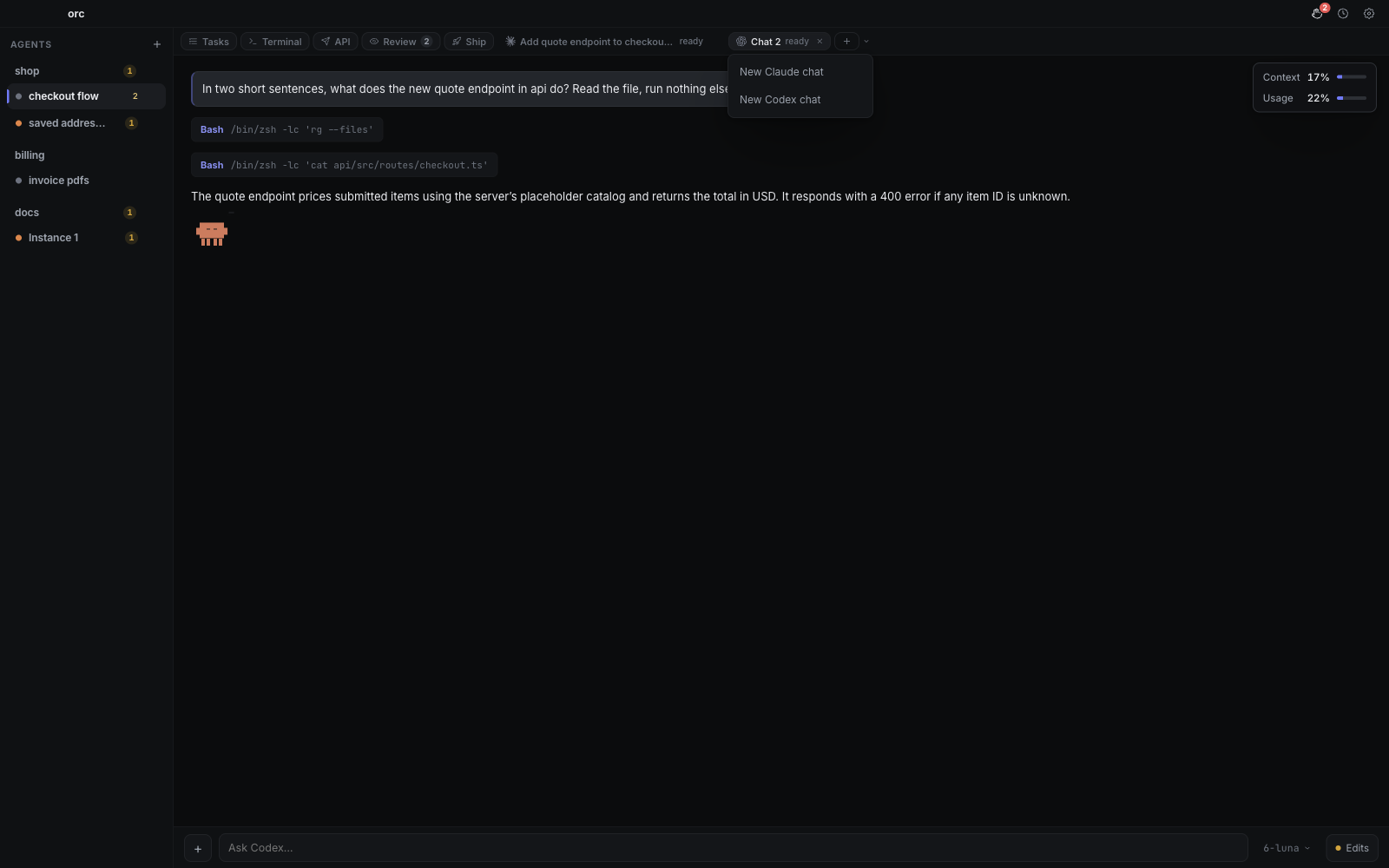
you, and a click puts you back in that conversation. Each conversation shows how much room it has left — context filling up,
and how much of the subscription it's spending the day has used.
Nothing is lost
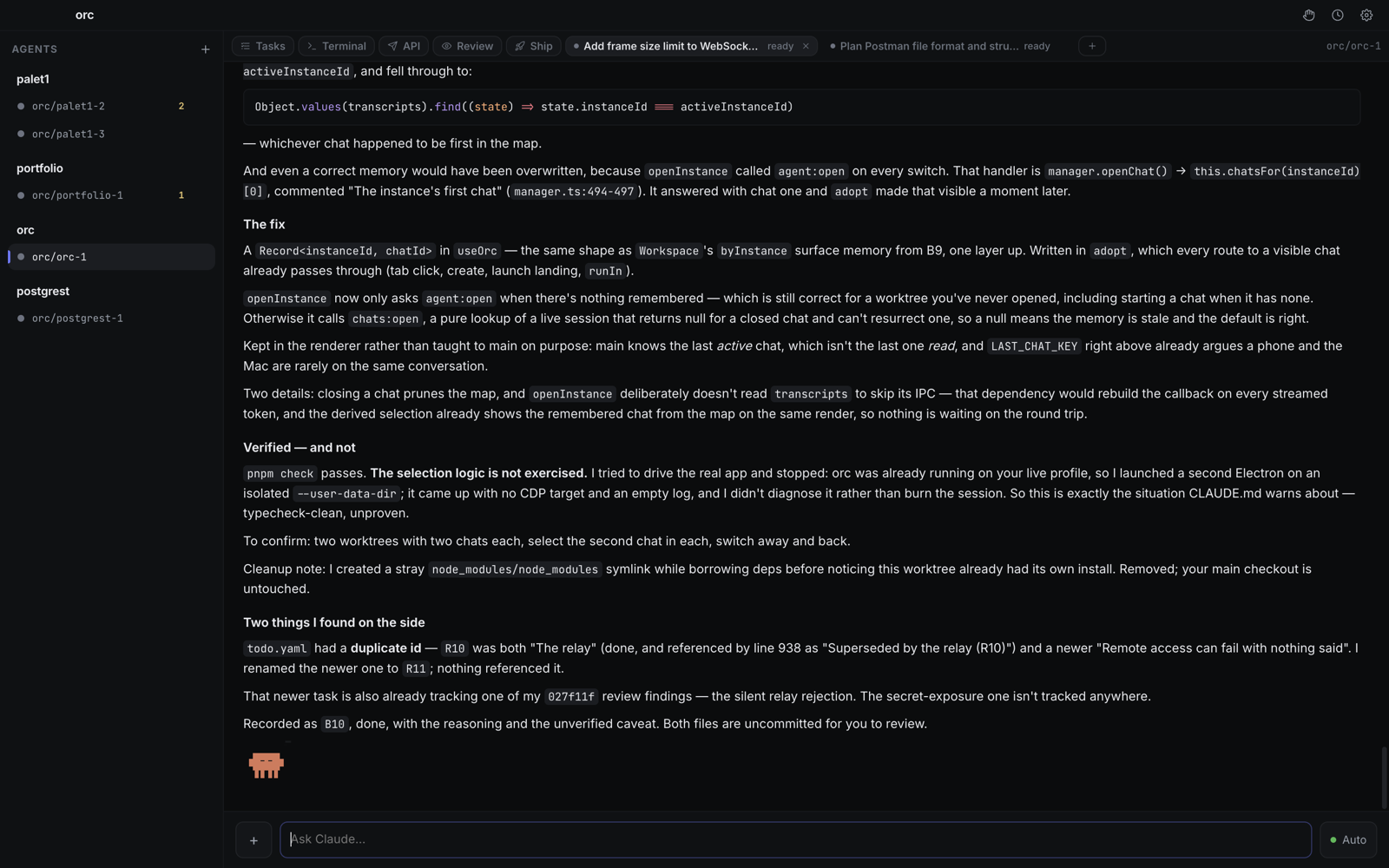
Close the app and come back tomorrow — every conversation is where you left it,
and searchable when you can't remember which one. Search inside one too: it jumps you
to the line you half-remember, an hour of output ago. Pin the answers you keep
scrolling back to and they stay at the top.
A proper terminal
Not a log pane — a real shell in every branch of every repo, with everything you'd
expect to work working.
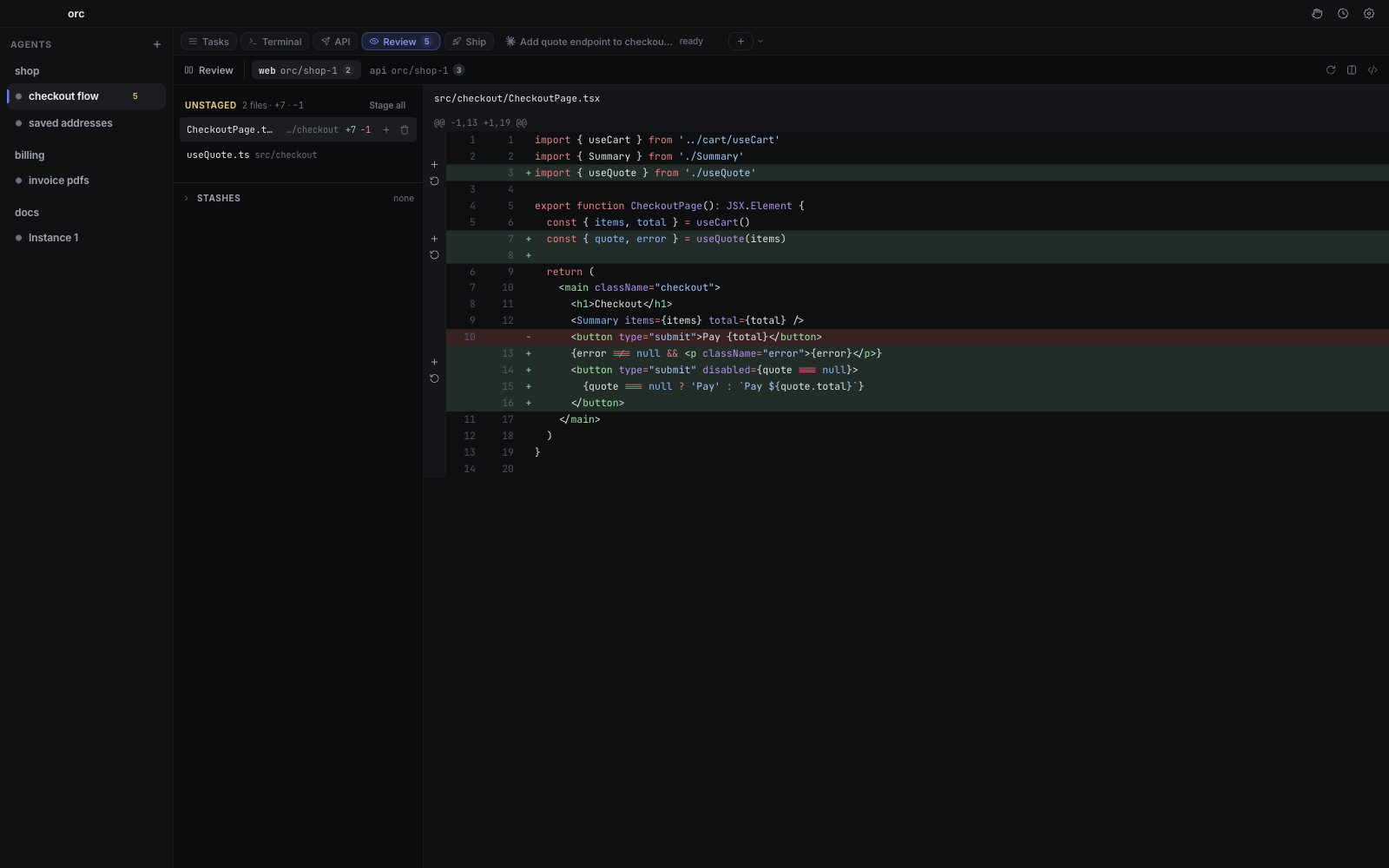
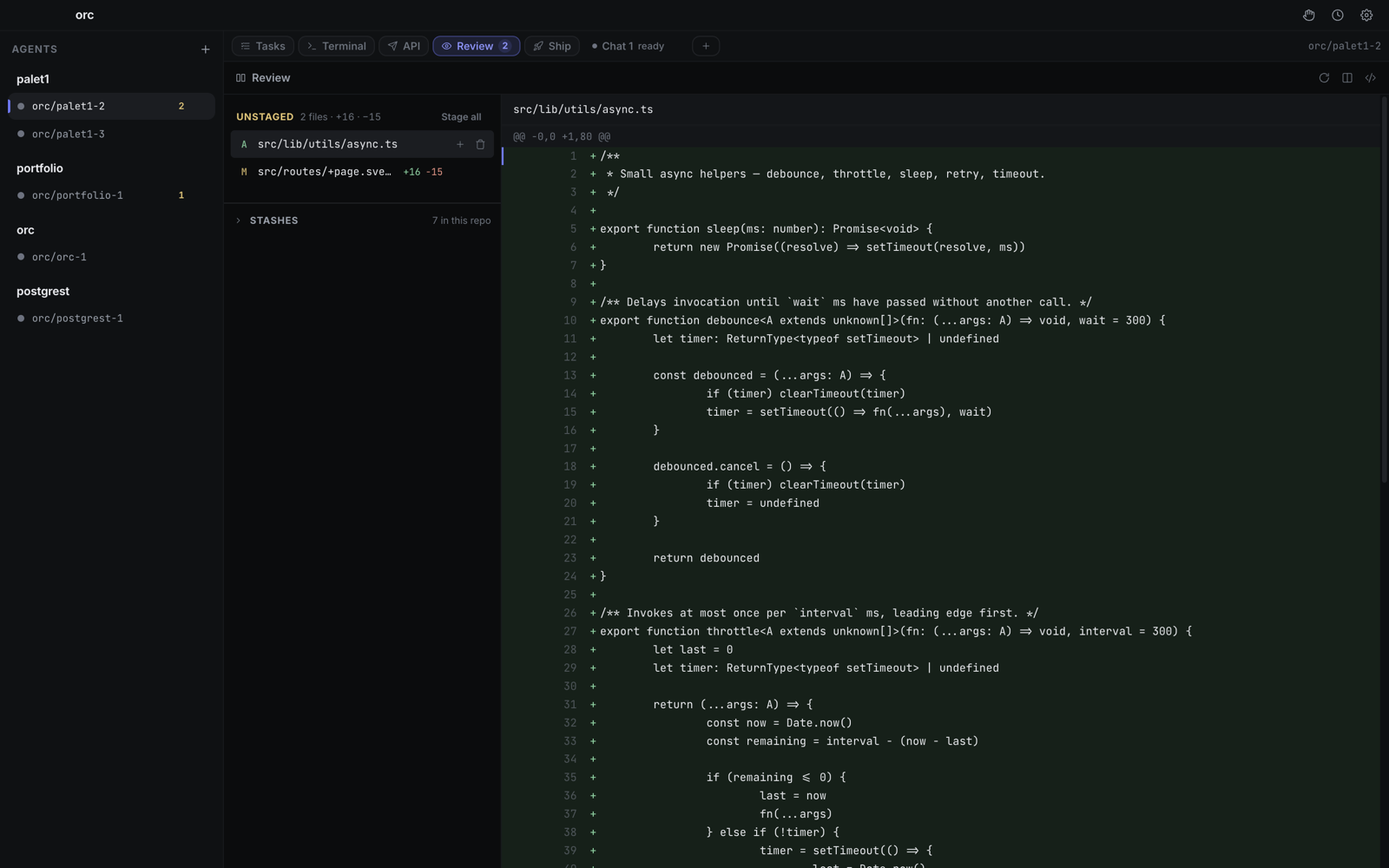
Review that keeps up
Whole files rather than keyholes — side by side or inline, syntax coloured, a
keystroke to the next change, and a clear path through anything git couldn't
merge on its own.
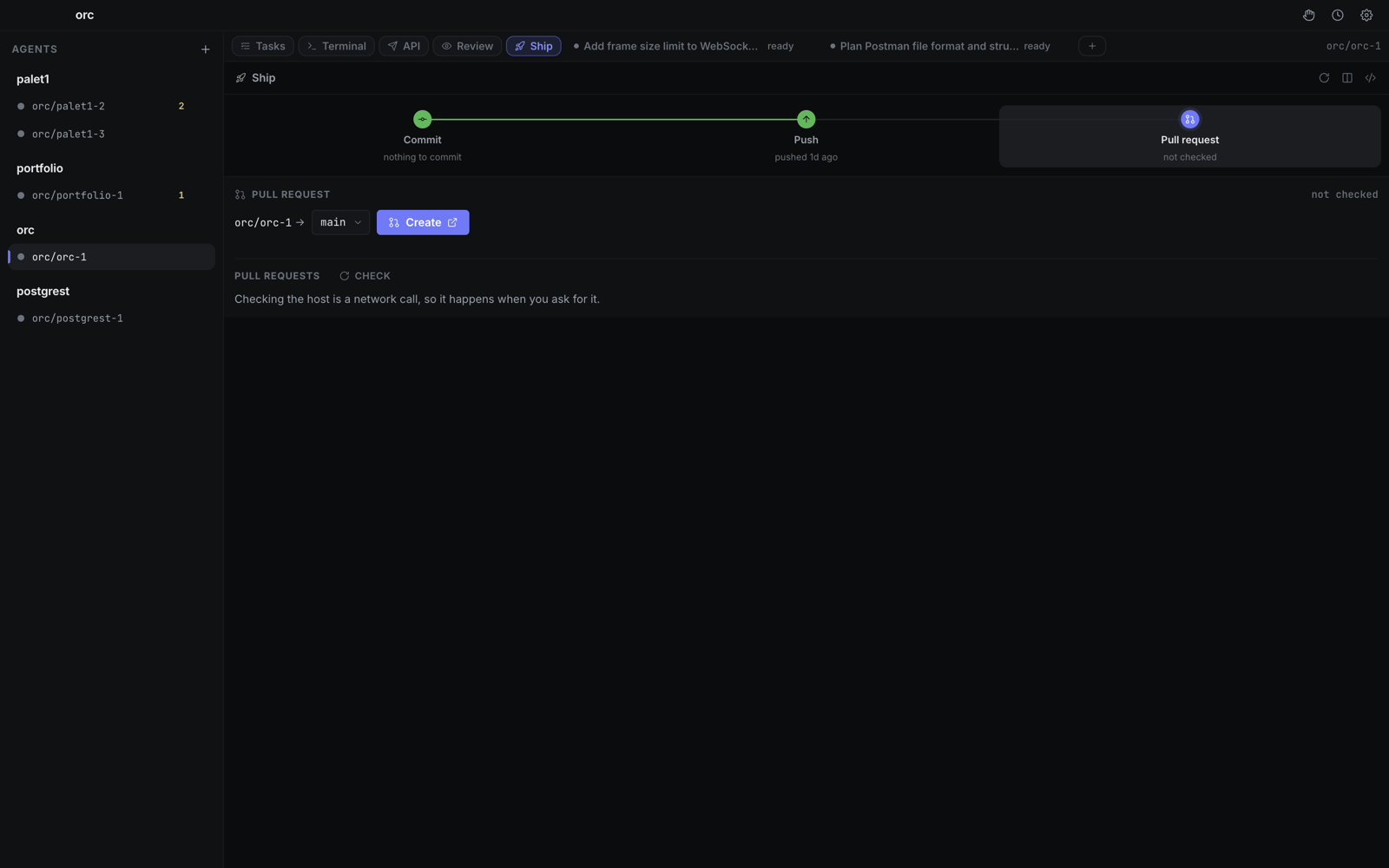
Commit, push, PR, review
The whole way out, in one panel — with the commit message written for you, the
pull request a click away, and its review comments answered from the same place.
Move on quickly
Finished a feature? Point that branch at the next one — orc pulls the latest base
and puts anything half-done safely aside.
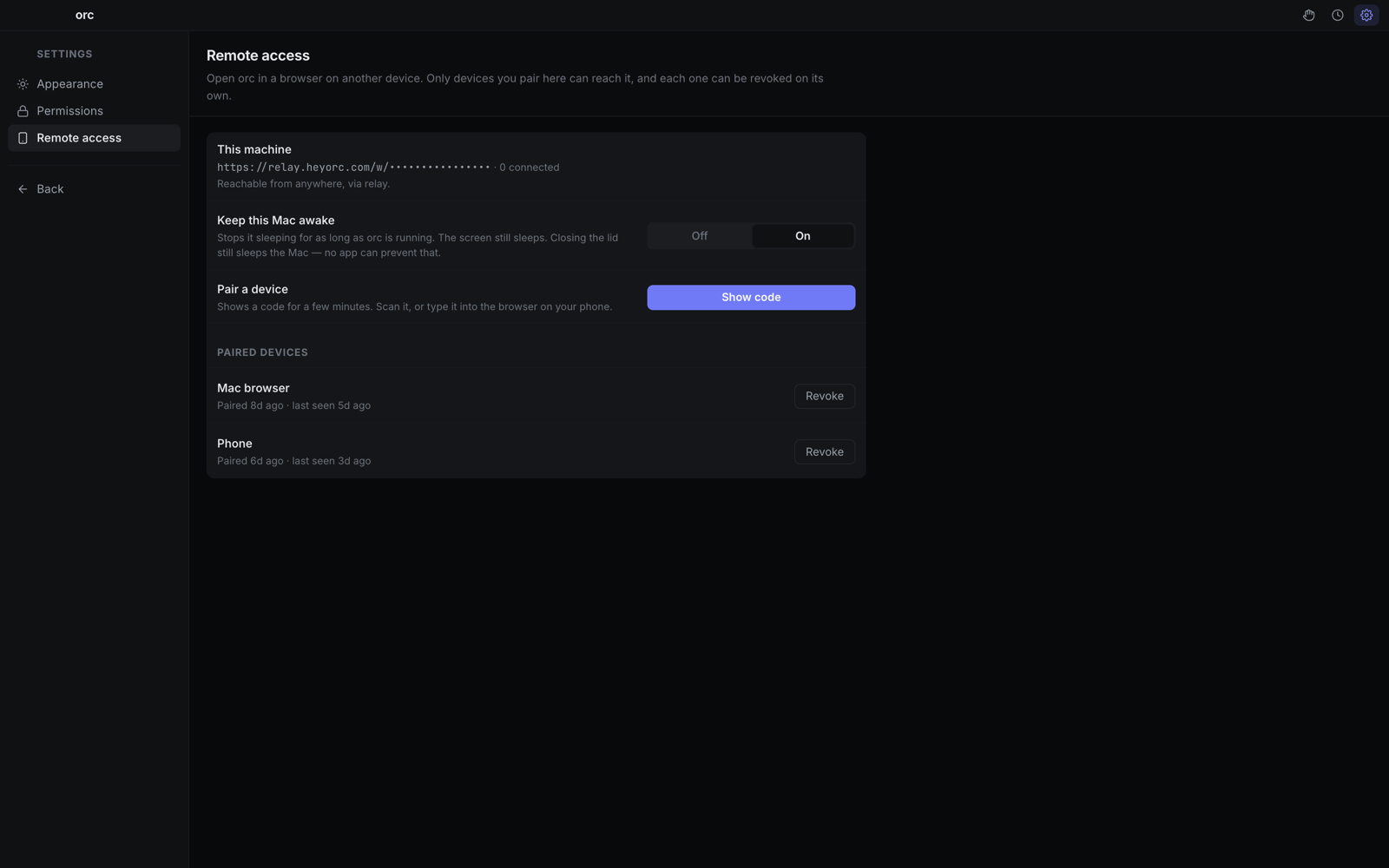
On your phone
Pair with a scan and answer the queue from anywhere — and hear about it the moment
you're needed, instead of checking. Revoke any device whenever you like.
Show, don't describe
Drag a screenshot or a PDF straight into the conversation. Faster than explaining
the bug in words.
Ask by the way
A quick question mid-task, answered on the side — even while the agent is still
working — without adding a word to the conversation. Keep the answer where you asked
it, or drop it into your next prompt.
Try it both ways
Duplicate a conversation and take the copy somewhere else. Both remember everything
said so far, so you can try a second approach without losing the first.
A plan you can see
Each feature keeps its own task list, whichever repos it spans, and the agent
keeps it current — so you can tell what it thinks it's doing.
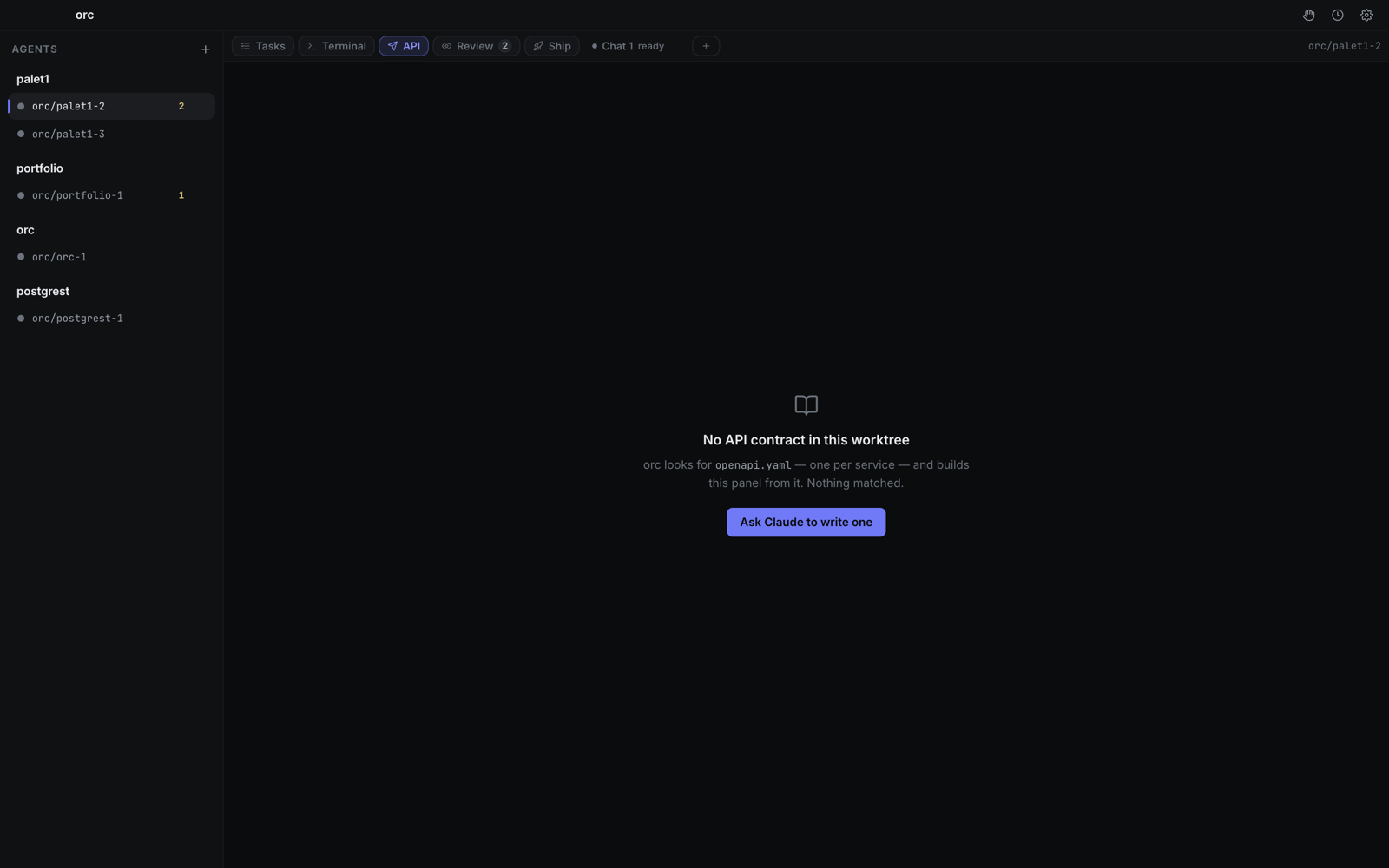
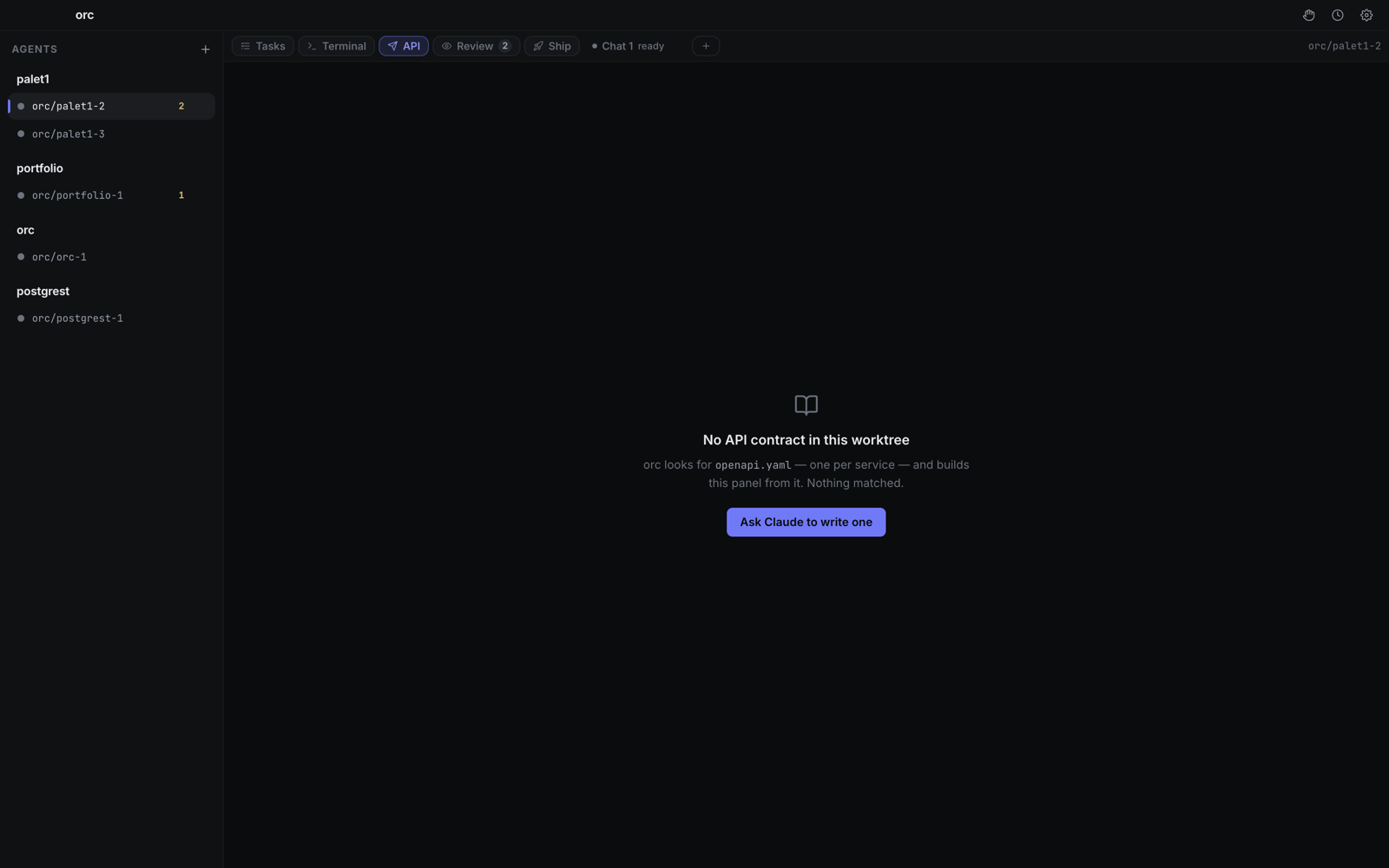
Test your API in place
orc reads your service's own contract and fills the values from your environment,
so a request runs first time.
As much rope as you want
Let an agent run freely, or have it ask before every change. Set it per
conversation — the important questions always reach you.